Lollipop
<Lollipop>
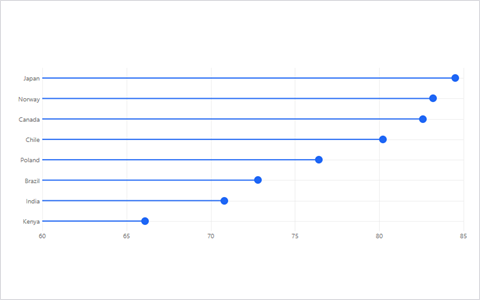
You have a long list of categories and bars would be a wall of ink.
 ZopraCharts
Choosing
Do not start from the chart. Start from the sentence you want the reader to say out loud after looking at it. Find that sentence below, and every chart that can help is one click away.
01
Same measure, different items. The eye is good at lengths and positions, so these charts lean on both.
<Lollipop>
You have a long list of categories and bars would be a wall of ink.
<Dumbbell>
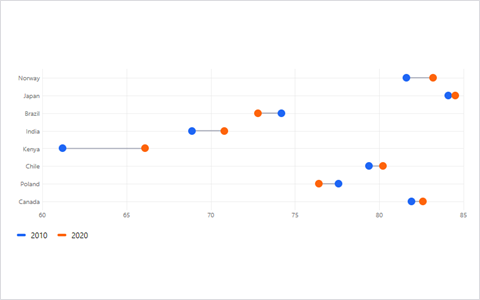
Each item has a before and an after, and the gap is the story.
<Slope>
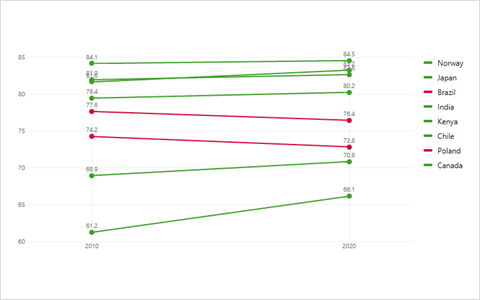
Two moments, many items, and you want to see who crossed whom.
<Bump>
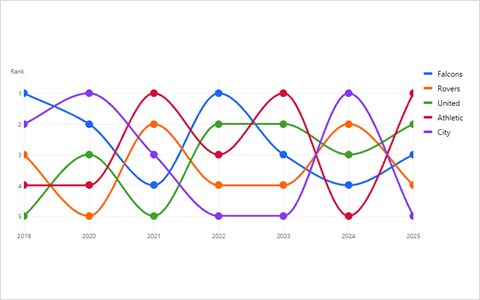
Rank matters more than the value, and it changes over time.
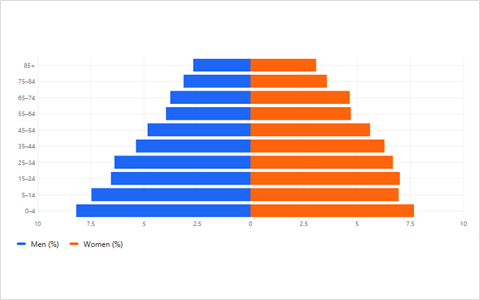
<BackToBack>
Two groups share the same categories, such as men and women by age band.
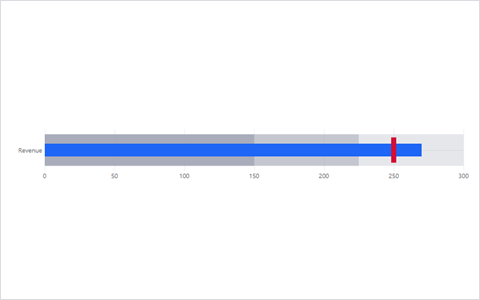
<Bullet>
Each value has a target and some qualitative ranges to sit in.
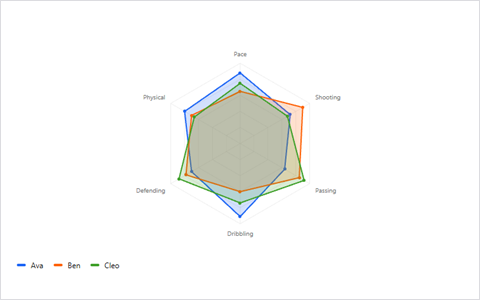
<Spider>
One item scored on several measures, and you want to see its shape against another.
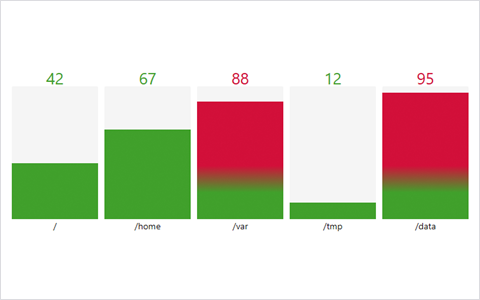
<BarGauge>
You want to show how full each value is between a minimum and a maximum.
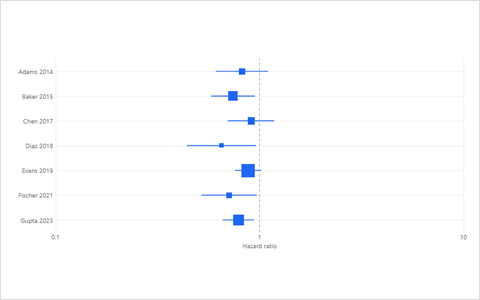
<Forest>
Every row is an estimate with a confidence interval, such as a study.
02
Shares, mixes and breakdowns. Pie charts are on holiday. These are the people covering for them.
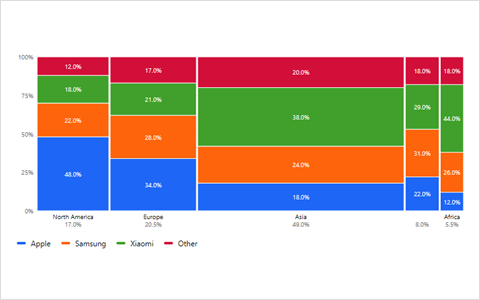
<Mekko>
The size of each group matters as much as its internal mix.
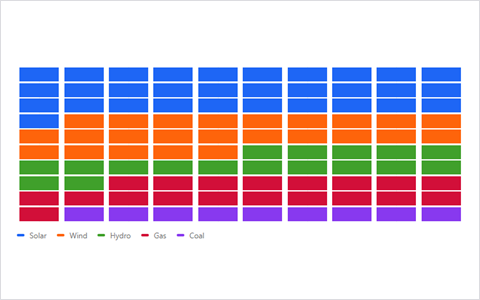
<Waffle>
You want people to count units, such as 63 out of 100 users.
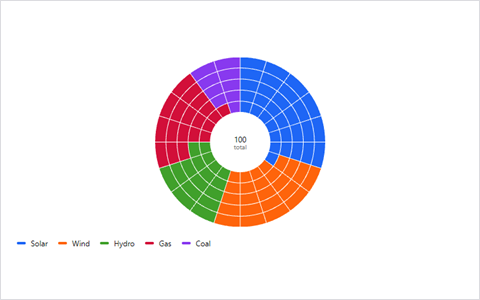
<WarpedWaffle>
A waffle, but bent into a ring when the page needs to feel like a dashboard.
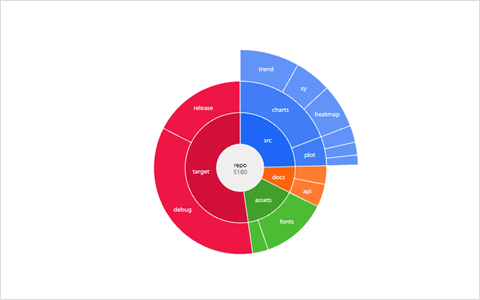
<Sunburst>
The whole splits into parts, which split into parts, a few levels deep.
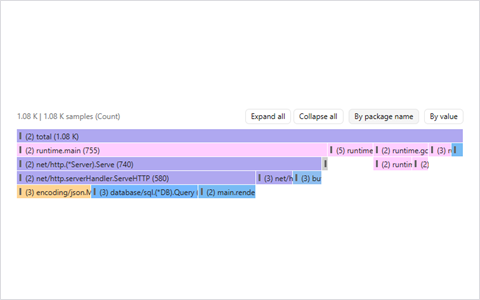
<Icicle>
The hierarchy is deep or the names are long and need room to breathe.
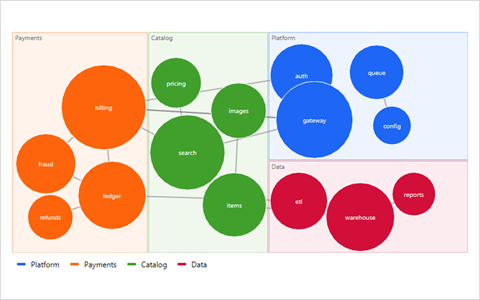
<TreemapForce>
Groups have sizes and the items inside are also linked to each other.
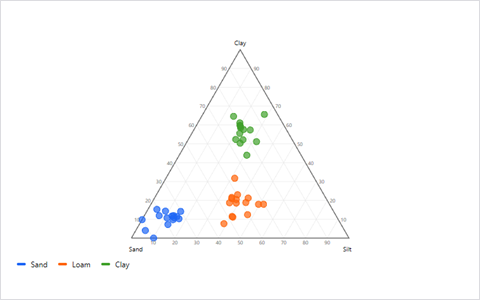
<Ternary>
Every observation is a mixture of exactly three components that sum to one.
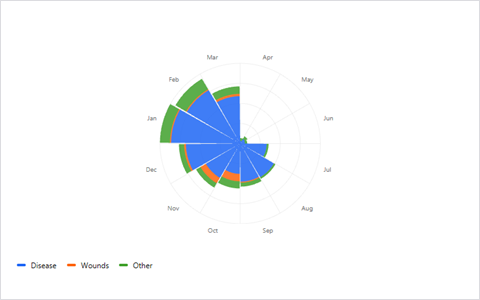
<NightingaleRose>
The parts repeat around a cycle, like months or hours of the day.
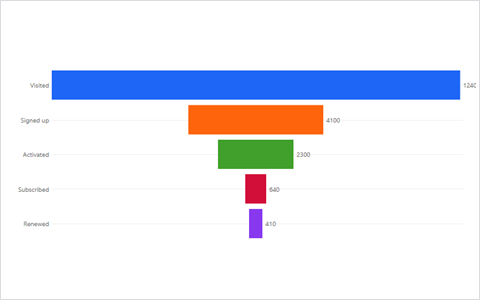
<Funnel>
Each stage keeps only some of the previous stage, and you want to see the leak.
03
A line is the default for good reason. These are the options for when the default is not enough.
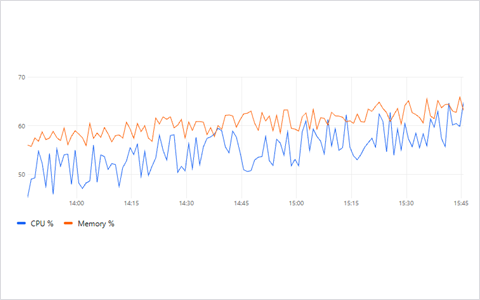
<TimeSeries>
One or more measurements over time, with annotations or a comparison to last week.
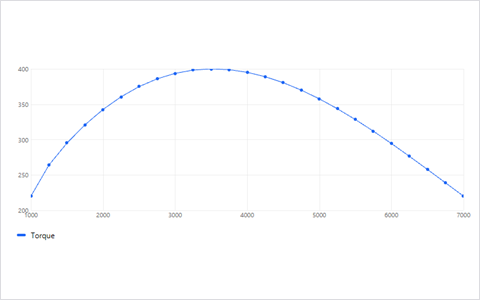
<Trend>
The x-axis is not time but still only goes up, such as distance or load.
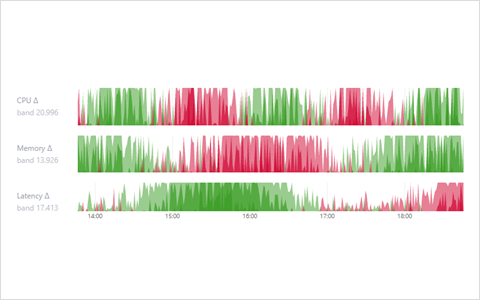
<Horizon>
Many series, little height, and you still want to see the shape of each.
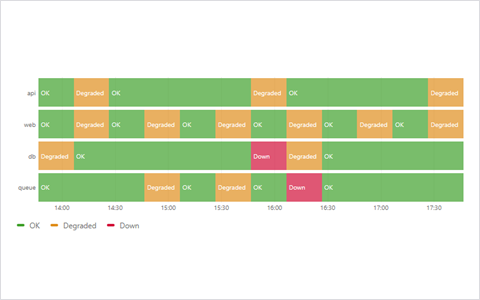
<StateTimeline>
A thing is in one of a few states, and you care how long each lasted.
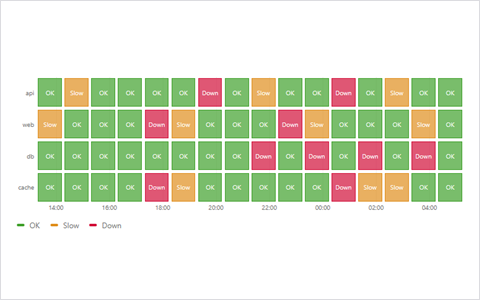
<StatusHistory>
A grid of checks or jobs over time, one cell each.
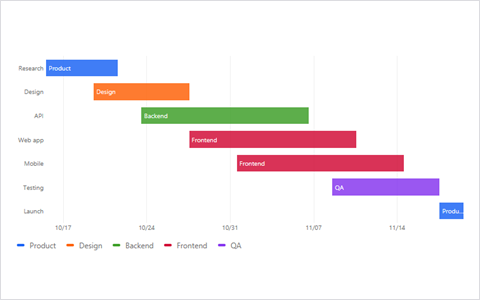
<Gantt>
Tasks with a start and an end, and who is waiting for whom.
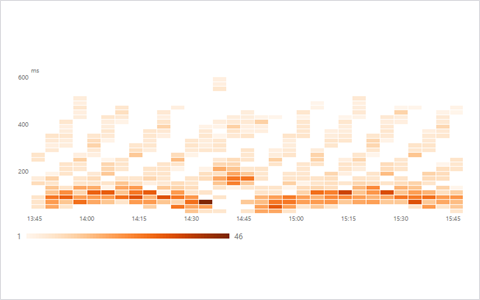
<Heatmap>
Time on one axis and a value range on the other, and the counts are the story.
<Bump>
The question is who was ahead, not by how much.
04
Averages hide things. These charts show the whole crowd, including the person standing awkwardly at the back.
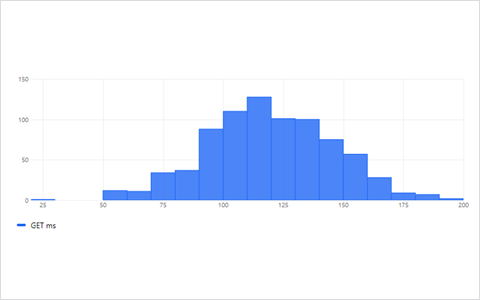
<Histogram>
One variable, one picture, counts per bucket.
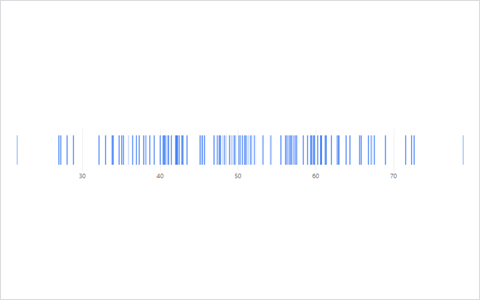
<Barcode>
You want to see every value as a tick, without binning anything.
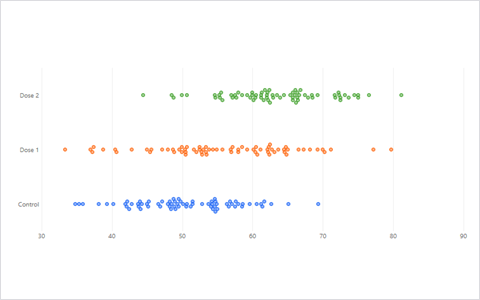
<Beeswarm>
Every point deserves to be seen, grouped by category, with no overlaps.
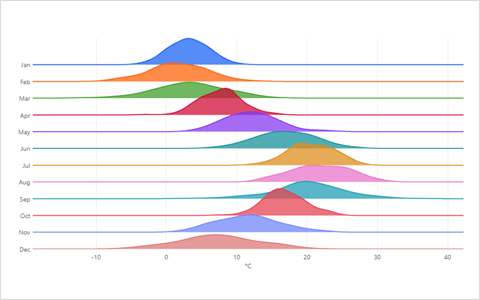
<Ridgeline>
You want to compare the shapes of many distributions, stacked like mountains.
<Heatmap>
A distribution that changes over time, so every column is a histogram.
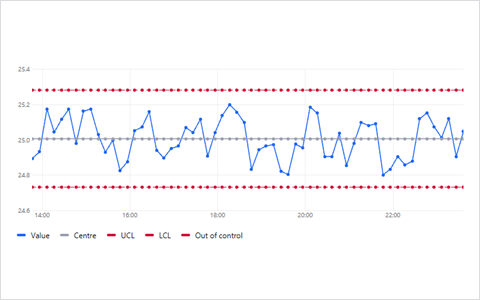
<ControlChart>
Is this process still behaving, or has something changed?
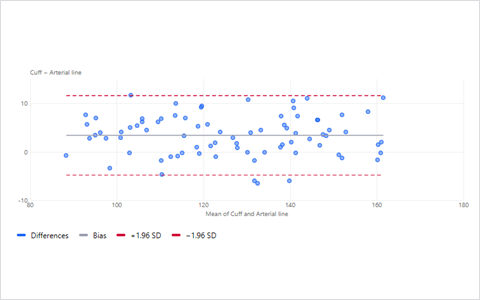
<BlandAltman>
Two methods measure the same thing and you want to know if they agree.
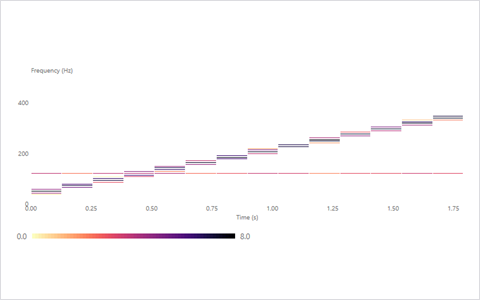
<Spectrogram>
A signal's frequencies as they change over time.
05
Correlation, trade-off and structure. Draw it before you fit it.
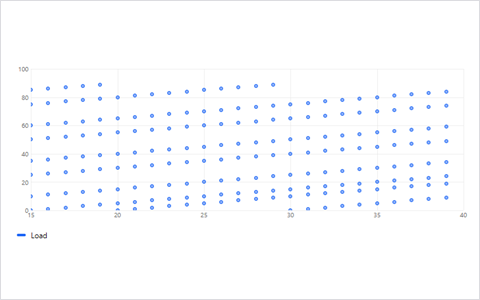
<XYChart>
Two numeric variables, optionally a third as size or colour.
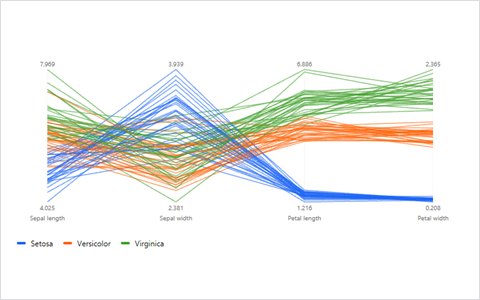
<ParallelCoordinates>
Many variables per item, and you want to see which items run alike.
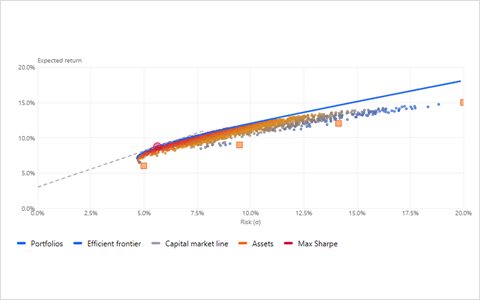
<EfficientFrontier>
Risk against return, and the edge of what is possible.
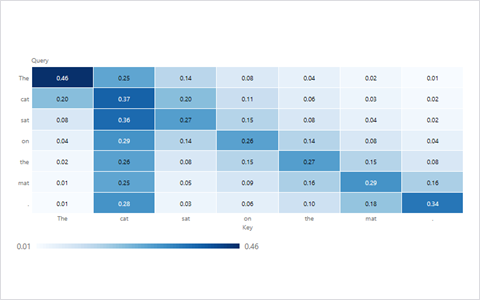
<AttentionMap>
A matrix of weights, such as which token looks at which token.
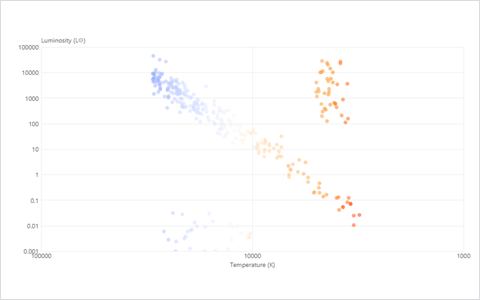
<HrDiagram>
A scatter whose shape is the whole point: stars, by temperature and brightness.
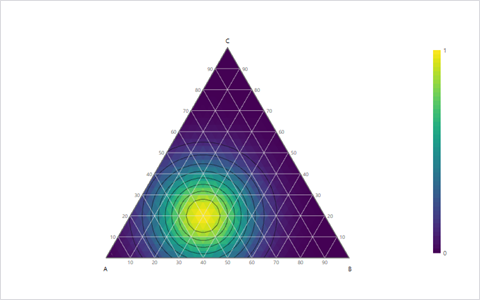
<TernaryContour>
A value that changes across the three-part mixture triangle.
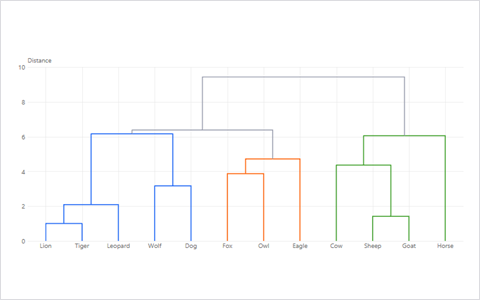
<Dendrogram>
You want to see which items cluster together, and how tightly.
06
Things moving from here to there, or being linked to each other. Arrows are cheap. Clarity isn't.
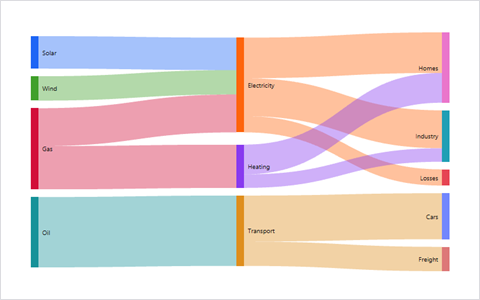
<Sankey>
Quantities flow through stages and you want to see where they go.
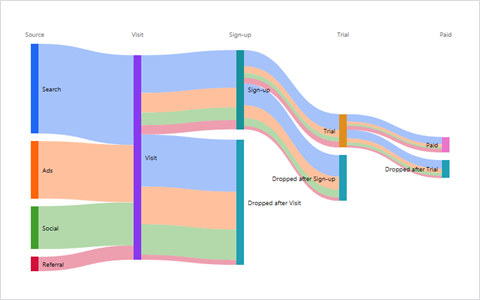
<SankeyFunnel>
A funnel in which you also care where the drop-offs went.
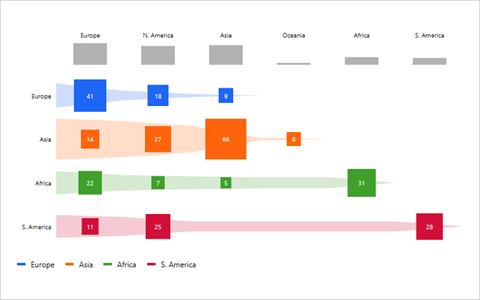
<SankeyMatrix>
A Sankey that got too tangled, and you want exact values per pair.
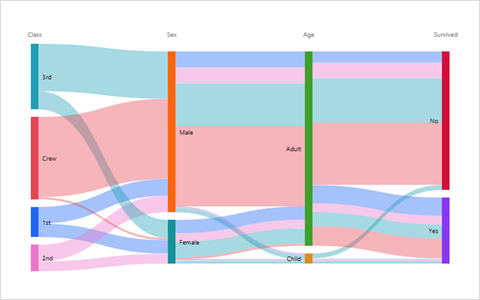
<Alluvial>
Groups change membership between a few moments in time.
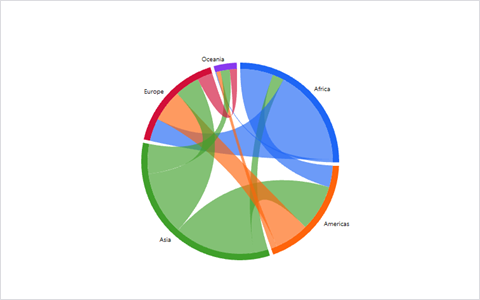
<ChordDiagram>
Flows between every pair of groups, in both directions.
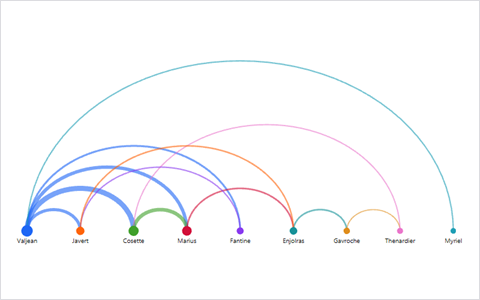
<ArcDiagram>
Links between items in a meaningful order, such as time or position.
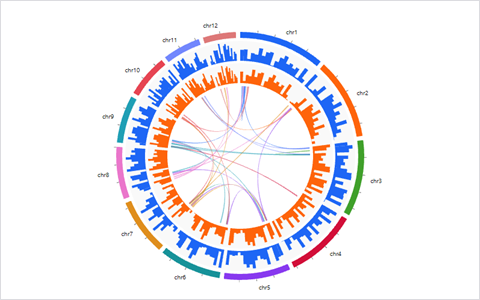
<Circos>
Links between positions on long segments, like a genome.
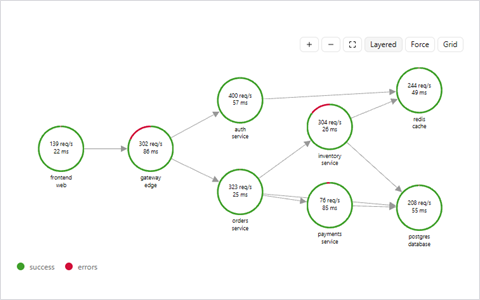
<NodeGraph>
Services and the calls between them, with health at a glance.
<TreemapForce>
A graph whose nodes also belong to groups of different sizes.
07
Who is in A, who is in B, and who is awkwardly in both.
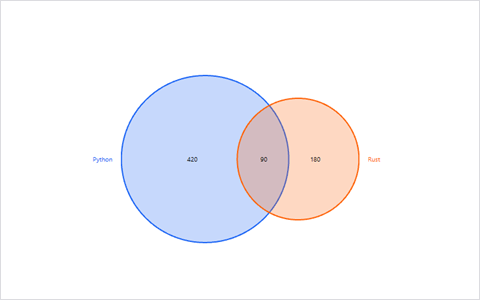
<Venn>
Two or three sets, where the shapes can be exact.
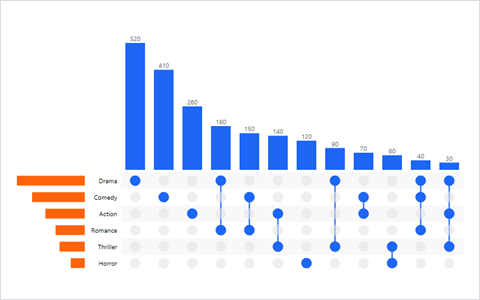
<UpSet>
Four or more sets, or you need to read exact combination sizes.
08
Things inside things inside things.
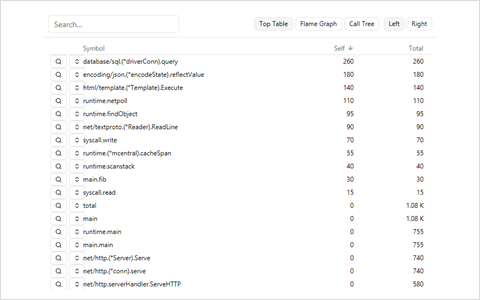
<FlameGraph>
Where does a program spend its time, call by call?
<Icicle>
Same as a flame graph, but the tree is anything you like.
<Sunburst>
A compact tree with a few levels and shares at each.
<Dendrogram>
A tree of merges, with the height of each merge meaning something.
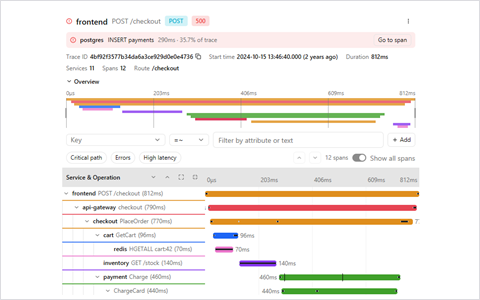
<Traces>
One request, many services, and where the time went.
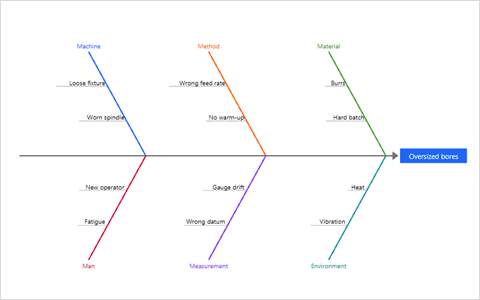
<Ishikawa>
A problem with a list of possible causes, grouped by category.
09
A dashboard is mostly numbers in costumes.
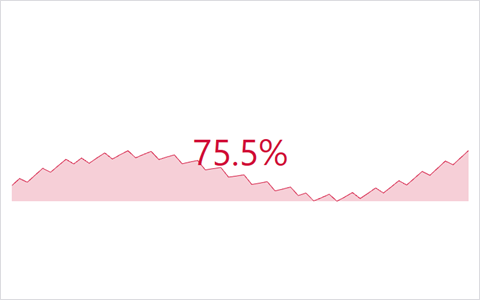
<Stat>
A big number with its history and its change.
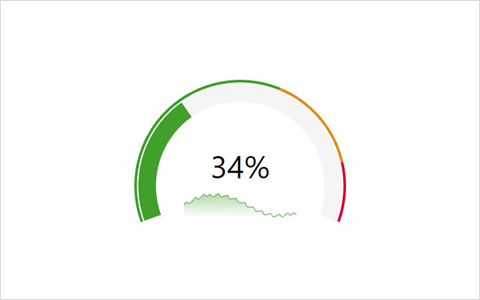
<Gauge>
A value on a scale with thresholds that mean something.
<BarGauge>
Several values, each against its own range.
<Bullet>
A value against a target, with qualitative bands behind it.
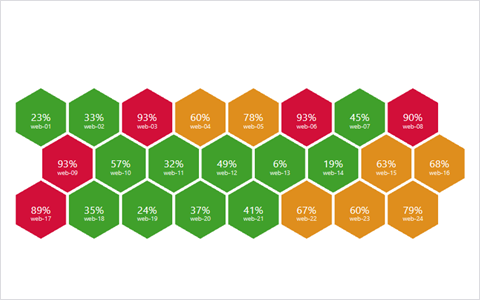
<HoneyComb>
Many numbers, each one a cell, coloured by state.
10
There are five ways to draw the same market. Each one is a different opinion about time.
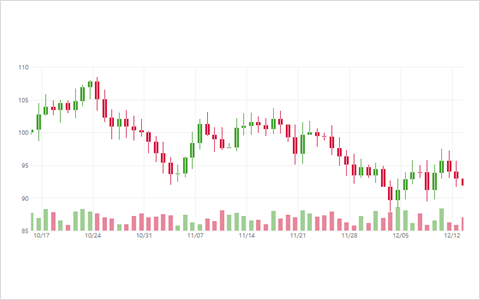
<Candlestick>
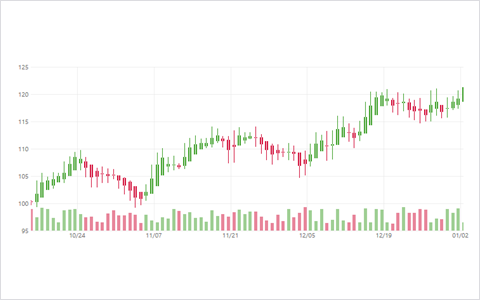
Open, high, low and close per period, with volume.
<HeikinAshi>
You want candles that smooth over the noise and make trends easier to see.
<Renko>
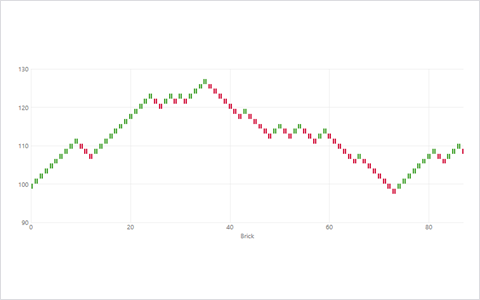
Time is a distraction and only price moves of a set size matter.
<Kagi>
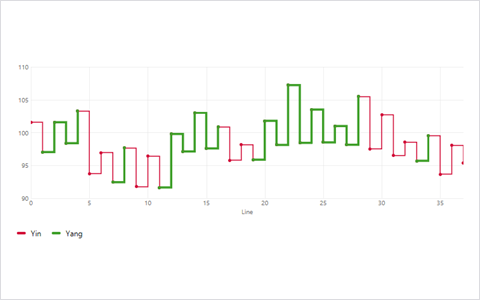
Reversals matter, and you want thick and thin lines to mark the regime.
<PointFigure>
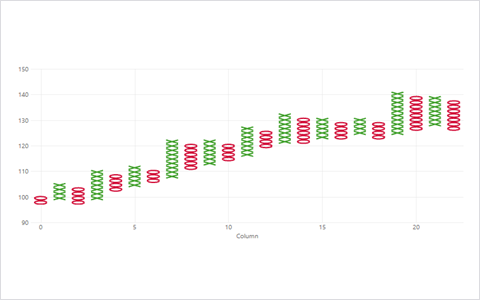
A column of Xs and Os, because someone in your trading room insists.
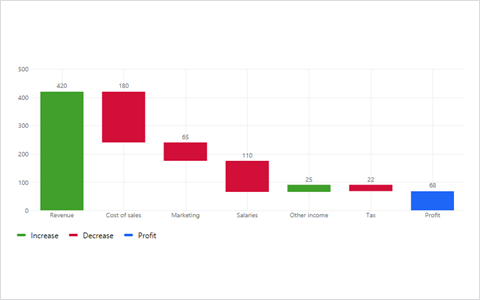
<Waterfall>
Starting value, a list of gains and losses, ending value.
11
Waveforms, spectra and the stability of things that feed back on themselves.
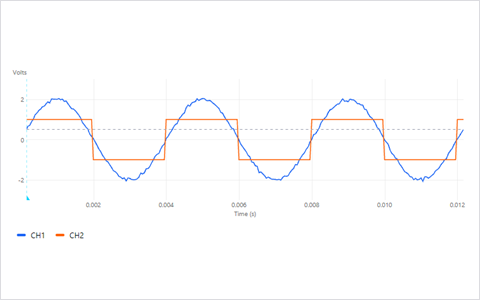
<Oscilloscope>
A waveform, triggered and drawn like the real instrument.
<Spectrogram>
Frequency content over time.
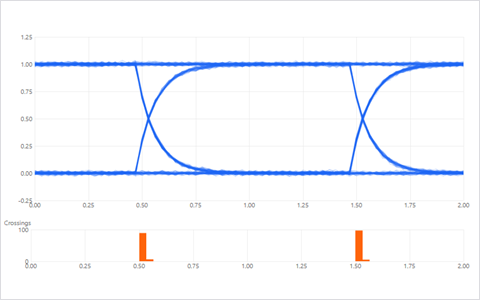
<EyeDiagram>
A high-speed link, and whether its bits can still be told apart.
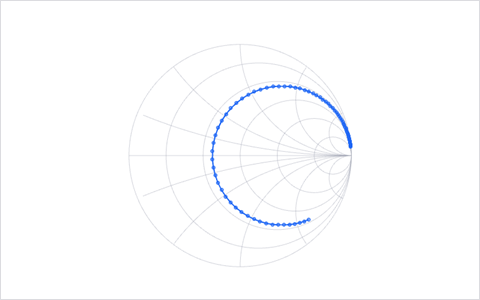
<SmithChart>
Impedance and matching on a transmission line.
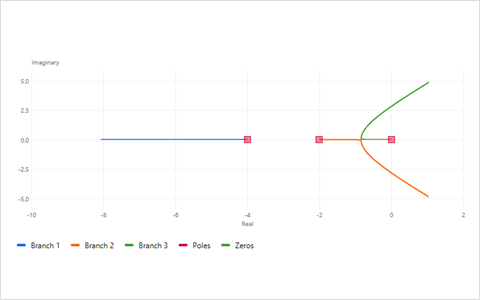
<RootLocus>
How the poles of a loop move when you turn the gain.
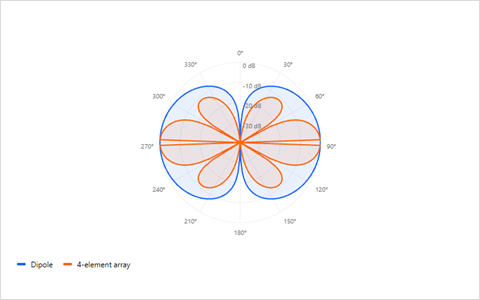
<RadiationPattern>
How an antenna sends power in different directions.
12
When a system has a state and rules for how the state changes.
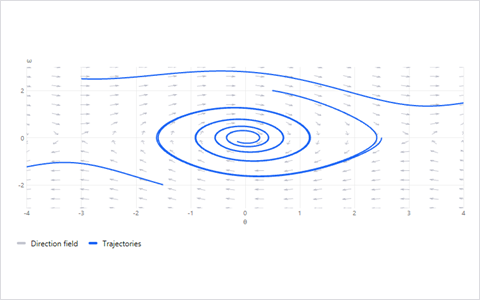
<PhasePortrait>
The trajectories of a system in its state space.
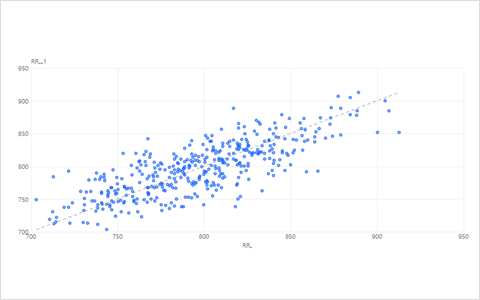
<PoincareMap>
A continuous system sampled once per cycle.
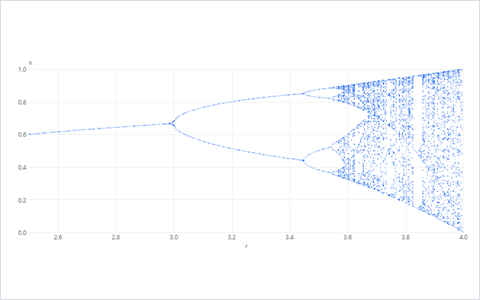
<Bifurcation>
How long-term behaviour changes as a parameter is turned.
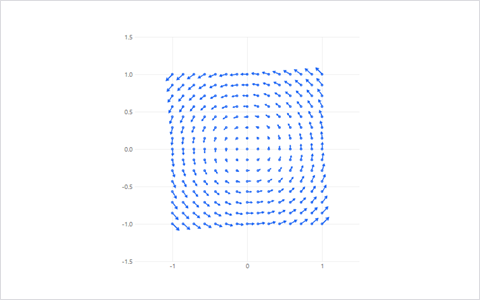
<Quiver>
A vector field drawn as little arrows.
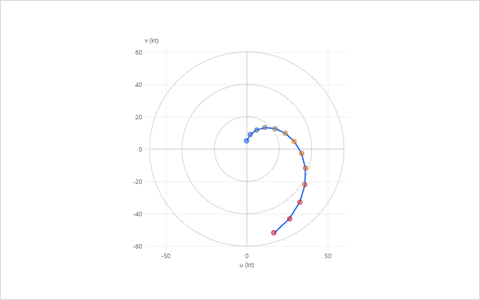
<Hodograph>
The path of a vector's tip, such as wind with height.
13
Maps, soundings and the chemistry of rocks and water.
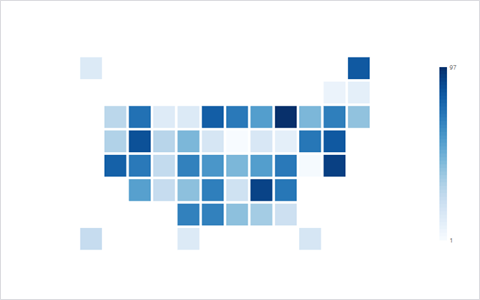
<Choropleth>
A value per region, shaded on a map.
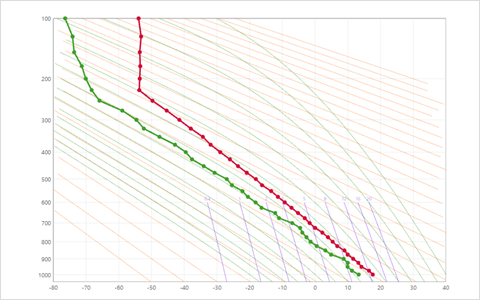
<Stuve>
An atmospheric sounding on straight isotherms and adiabats.
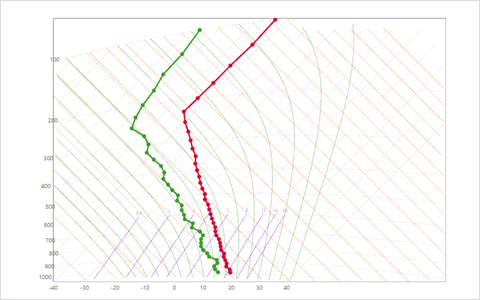
<Tephigram>
The same sounding, on the diagram your forecasters grew up on.
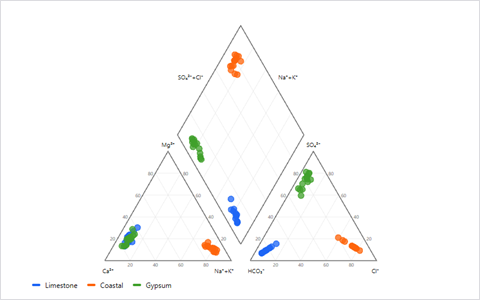
<Piper>
Groundwater chemistry, with all the major ions in one picture.
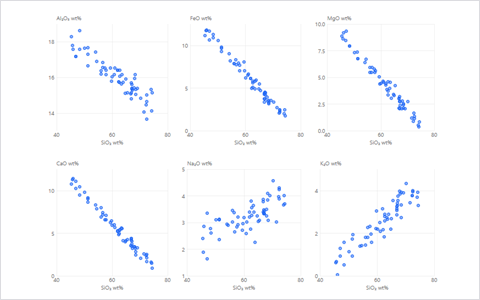
<Harker>
How oxides change as magma gets more evolved.
<Ternary>
A mix of three things, such as sand, silt and clay.
14
Letters, structures and words.
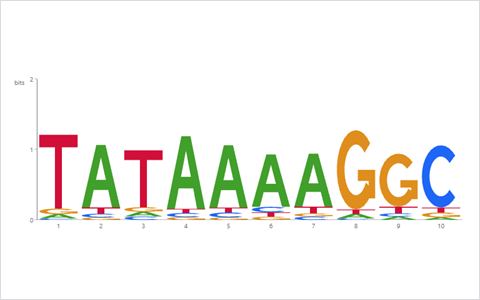
<SequenceLogo>
Which letters are conserved at each position of an alignment?
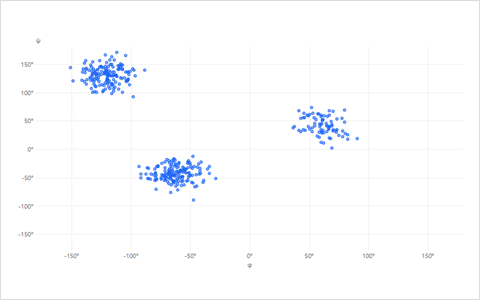
<Ramachandran>
The backbone angles of a protein.
<Circos>
A genome with links, rings and coverage tracks.
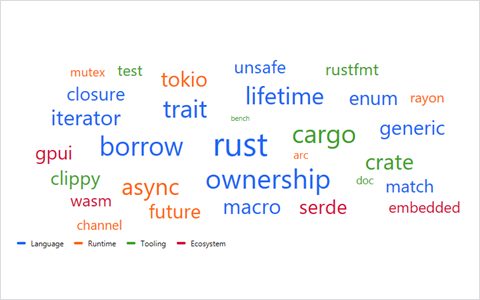
<WordCloud>
A first impression of which words come up most.
15
Something is wrong, and you need to find out what before the meeting.
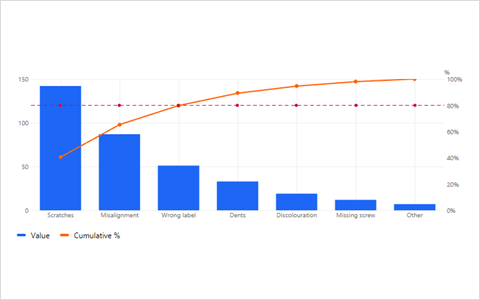
<Pareto>
A few causes make most of the trouble, and you want to see which.
<Ishikawa>
You need to brainstorm causes by category before you measure them.
<ControlChart>
You need to know whether the process changed or just wobbled.
<FlameGraph>
The thing that is slow is a program.
<Traces>
The thing that is slow is a request across services.